How Long Will It Take to Download a Large App or Game? Use This Calculator
The fastest way to estimate a download is:
Download time (seconds) = file size in megabits ÷ download speed in Mbps
Because file sizes are usually shown in megabytes (MB) or gigabytes (GB), while internet plans use megabits per second (Mbps), convert the size first:
Time in seconds = file size in GB × 8,000 ÷ speed in Mbps
For a more realistic estimate, allow for Wi-Fi loss, network congestion, server limits and protocol overhead. At roughly 85% efficiency, a 50 GB game on a 100 Mbps connection takes about 78 minutes, not the theoretical 67 minutes.
Key Takeaways
- Divide your file size in megabits by your actual download speed in Mbps.
- One byte equals eight bits: MB/s = Mbps ÷ 8.
- Use a recent speed-test result instead of your plan’s advertised maximum.
- Real downloads commonly take 10–30% longer than the ideal calculation.
- App installation, unpacking and updates can add time after the download reaches 100%.
- Download large files from official stores or publisher websites to reduce malware and scam risks.
How the Download-Time Calculator Works

A download-time calculator uses three inputs:
- File size – the amount of data to transfer, such as 2 GB or 75 GB.
- Download speed – the connection’s current throughput, measured in Mbps.
- Efficiency – the proportion of advertised speed that is actually available for the file.
The ideal formula is:
Time (seconds) = File size (bytes) × 8 ÷ speed (bits per second)For decimal units commonly used by internet providers:
Time (seconds) = File size (GB) × 8,000 ÷ speed (Mbps)For example, a 10 GB download contains approximately 80,000 megabits. At 50 Mbps:
80,000 ÷ 50 = 1,600 secondsThat equals 26 minutes and 40 seconds under ideal conditions.
Calculator services commonly use this bits-to-bytes conversion and may include an efficiency or overhead adjustment. CalculatorLib’s explanation of the formula and Omni Calculator’s worked examples describe the same approach.
Mbps and MB/s Are Not the Same
This is the most common source of incorrect estimates.
- Mbps means megabits per second and is used by broadband and mobile operators.
- MB/s means megabytes per second and is often shown by download applications.
- 1 byte = 8 bits, so divide Mbps by eight to estimate MB/s.
A 100 Mbps connection has a theoretical maximum of about 12.5 MB/s:
100 ÷ 8 = 12.5 MB/sIf a game launcher reports 10 MB/s, that is approximately 80 Mbps, not 10 Mbps.
Estimated Download Times by Internet Speed

The following table shows ideal times for common file sizes. Actual results will usually be slower.
| File size | 10 Mbps | 25 Mbps | 50 Mbps | 100 Mbps | 200 Mbps |
|---|---|---|---|---|---|
| 1 GB | 13m 20s | 5m 20s | 2m 40s | 1m 20s | 40s |
| 5 GB | 1h 6m 40s | 26m 40s | 13m 20s | 6m 40s | 3m 20s |
| 10 GB | 2h 13m | 53m 20s | 26m 40s | 13m 20s | 6m 40s |
| 25 GB | 5h 33m | 2h 13m | 1h 6m 40s | 33m 20s | 16m 40s |
| 50 GB | 11h 6m 40s | 4h 26m 40s | 2h 13m 20s | 1h 6m 40s | 33m 20s |
| 100 GB | 22h 13m | 8h 53m | 4h 26m 40s | 2h 13m | 1h 6m 40s |
These are mathematical estimates, not a promise from an internet provider, game platform or app store.
A More Realistic Estimate
If you expect 85% efficiency, adjust the ideal result using:
Realistic time = Ideal time ÷ 0.85Examples:
- 10 GB at 100 Mbps: ideal 13m 20s; at 85% efficiency, about 15m 41s
- 50 GB at 100 Mbps: ideal 1h 6m 40s; at 85% efficiency, about 1h 18m 26s
- 100 GB at 50 Mbps: ideal 4h 26m 40s; at 85% efficiency, about 5h 13m 44s
Efficiency may be higher on a wired connection and lower on crowded Wi-Fi or mobile data.
How to Calculate Your Own Download Time
Use these steps for any app, game, driver, video or ZIP file.
- Find the real download size.
Check the size shown in Google Play, the Apple App Store, Steam, Epic Games Store, Microsoft Store or the publisher’s official download page. An installer may download additional files later.
- Measure your current speed.
Run a speed test close to the device and at the same time of day you plan to download. In India, TRAI provides the official MySpeed app and portal for measuring connection performance. TRAI’s consumer guidance says subscribers can use MySpeed to check download and upload speeds.
- Convert the units.
Multiply gigabytes by 8,000 to obtain megabits, then divide by Mbps.
- Apply a practical allowance.
Multiply the ideal time by about 1.1 to 1.3 for ordinary conditions. Use a larger allowance if the network is busy, the signal is weak or the server is far away.
- Add installation time.
Phones and computers may verify, decompress, copy or optimise files after the transfer finishes.
Example: Downloading a 30 GB Game
Suppose your speed test shows 75 Mbps.
30 × 8,000 ÷ 75 = 3,200 secondsThat is 53 minutes and 20 seconds ideally. At 85% efficiency:
3,200 ÷ 0.85 = 3,765 secondsThe realistic estimate is approximately 1 hour and 3 minutes, plus installation or update time.
Why a Download Takes Longer Than the Estimate
A calculator assumes a stable connection and a server capable of sending data at your full speed. Real downloads vary because of:
- Wi-Fi interference: Walls, distance from the router and crowded 2.4 GHz channels reduce throughput.
- Mobile-network conditions: Signal strength, tower load and movement affect 4G or 5G speeds.
- ISP congestion: Evening usage can reduce available bandwidth.
- Server or CDN limits: The store or publisher may limit each connection.
- Other household traffic: Streaming, cloud backups and video calls compete for capacity.
- VPNs and security scanning: Encryption and inspection can add processing and routing overhead.
- Pauses and retries: Packet loss causes parts of a file to be retransmitted.
- Storage performance: A nearly full or slow drive can make the launcher appear stalled.
- Installation work: “Downloading” and “installing” are separate operations.
A fluctuating time estimate is normal because the app is recalculating from the latest transfer rate.
Downloading Large Apps and Games Safely in India
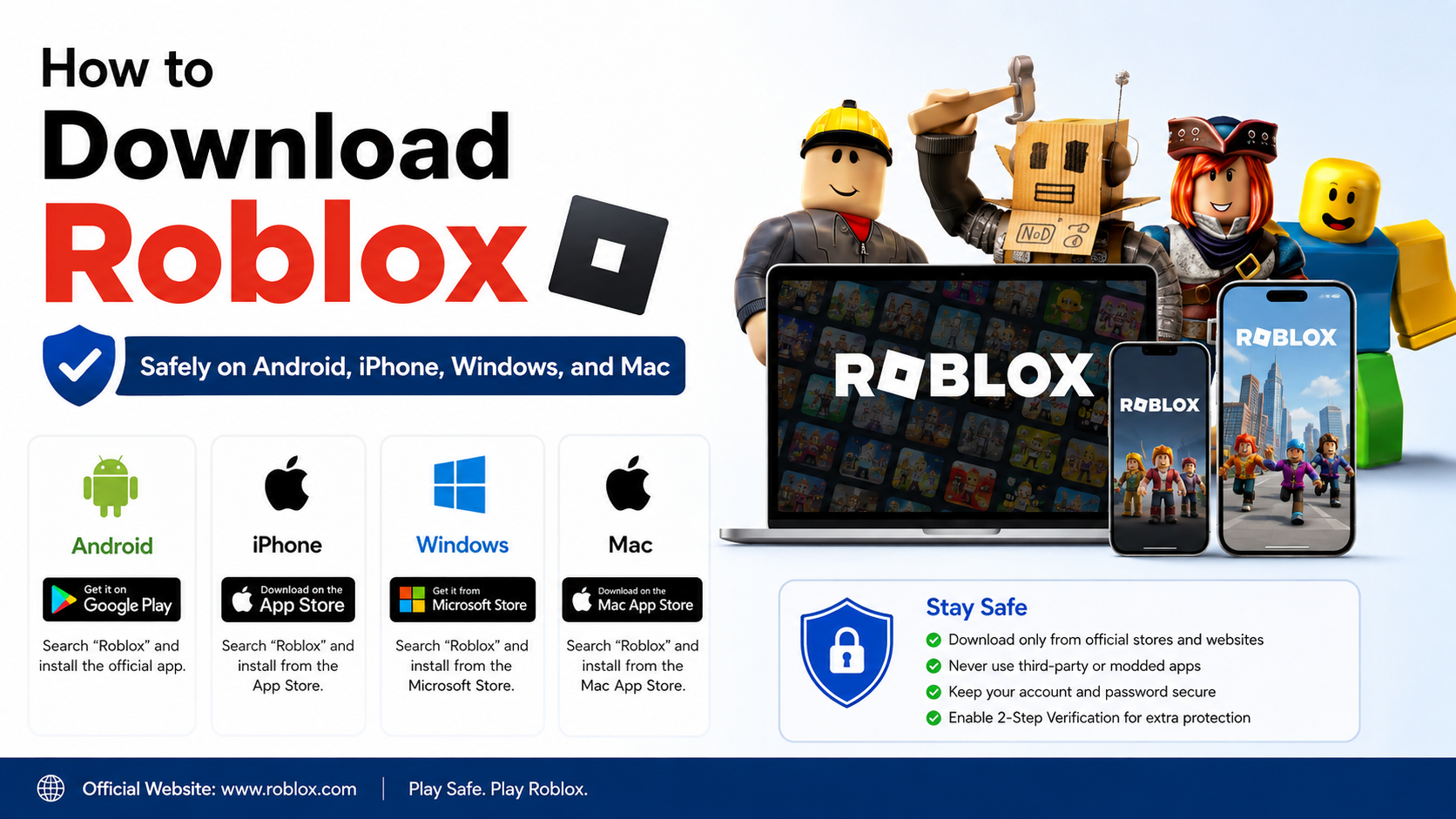
Use the official distribution channel first:
- Android: Google Play Store, or the developer’s verified website when an official APK is specifically provided.
- iPhone and iPad: Apple App Store.
- Windows: Microsoft Store, Steam, Epic Games Store or the software publisher’s official site.
- macOS: Mac App Store or the developer’s official website.
- Linux: The distribution’s official repository, Flathub or the project’s verified release page.
Avoid “mod APK”, cracked games, key generators and unknown mirror sites. Modified installers can contain malware, steal accounts or violate copyright. Check the publisher name, HTTPS domain, digital-signature information where available and user reviews. Do not disable Android Play Protect or Windows security features merely to install an unfamiliar file.
Also check your data allowance. A 50 GB game can consume most of a mobile plan’s monthly quota and may incur throttling or extra charges. TRAI notes that providers must disclose typical speeds and fair-usage conditions in tariff information; after a data limit, the reduced speed may make the remaining download dramatically slower. TRAI consumer broadband information.
What to Do When the Download Is Stuck or Very Slow
For Google Play downloads, Google recommends checking the connection, preferring Wi-Fi where possible and confirming that the device has enough storage. Google Play’s official troubleshooting steps also cover downloads that remain pending or fail to install.
Try this sequence:
- Pause and resume the download.
- Move closer to the router or use a 5 GHz Wi-Fi network.
- Stop streaming, cloud synchronisation and other downloads.
- Restart the router and device.
- Confirm free storage exceeds the download size and installation space.
- Turn off a VPN temporarily, if permitted by your organisation.
- Check the store or publisher’s service-status page.
- Update the operating system and app store.
- On Android, follow Google’s cache and Play Store troubleshooting instructions.
- If mobile data is being throttled, wait for the next billing cycle or use an unrestricted Wi-Fi connection.
Never repeatedly delete partial files unless the platform instructs you to; some launchers can resume safely, while others may restart the transfer.
Frequently Asked Questions
How accurate is a download-time calculator?
It is accurate as a mathematical estimate when the file size and sustained speed are correct. It cannot predict server throttling, congestion, Wi-Fi changes, interruptions or installation time.
How long will a 10 GB game take to download at 100 Mbps?
The ideal time is about 13 minutes 20 seconds. With 85% efficiency, expect roughly 15 minutes 40 seconds, plus installation and updates.
Why does 100 Mbps download at only 10 MB/s?
Mbps and MB/s use different units. Dividing 100 Mbps by eight gives a theoretical 12.5 MB/s; overhead and network conditions can reduce that to around 10 MB/s.
Should I use my internet-plan speed or a speed-test result?
Use a recent speed-test result. Advertised speeds are usually maximum or typical figures, while the speed available to your device can change by location, time and network load.
Does a larger game need extra storage beyond its download size?
Often, yes. Installation may require temporary space to unpack files, and updates can create additional data. Check the platform’s displayed storage requirement before starting.
Is downloading an APK from a third-party website safe?
It cannot be assumed safe. Prefer Google Play or the developer’s verified site. Third-party APKs may be modified, outdated or bundled with malware.
Will pausing a download make it faster?
Pausing does not increase the connection’s capacity. It can help if the server session or router connection is temporarily unstable, but sustained speed depends on the network and server.
Can I calculate download time for mobile data?
Yes. Use the same formula, but account for changing signal strength, tower congestion, data caps and possible throttling. A Wi-Fi estimate may not match a moving 4G or 5G connection.