How Long Should It Take to Download 1GB at Common Internet Speeds?
A 1GB file can take about 8 seconds on a 1Gbps connection or more than an hour at 2Mbps. For many Indian home connections, a practical estimate is 1–7 minutes, depending on whether your plan delivers 25, 50, 100 or 200Mbps in real conditions.
The exact time depends on your actual download speed, Wi-Fi performance, server capacity, network congestion and whether the file is exactly 1GB or slightly larger.
Key Takeaways
- At the advertised maximum speed, download time is calculated as 8,000 ÷ Mbps = seconds for a decimal 1GB file.
- A 1GB download takes approximately 1 minute 20 seconds at 100Mbps and 2 minutes 40 seconds at 50Mbps.
- Real downloads are often 10–25% slower than the plan’s advertised speed.
- Internet providers advertise megabits per second (Mbps), while browsers commonly show megabytes per second (MB/s).
- In India, fixed broadband and mobile speeds vary widely by location, network and time of day. DataReportal reported median speeds of 63.55Mbps for fixed connections and 100.78Mbps for mobile connections in January 2025. DataReportal’s Digital 2025 India report
1GB Download Time at Common Internet Speeds

The following figures show the theoretical minimum time for a 1GB file using decimal units: 1GB = 1,000MB = 8,000 megabits.
| Internet speed | Theoretical time | More realistic estimate* |
|---|---|---|
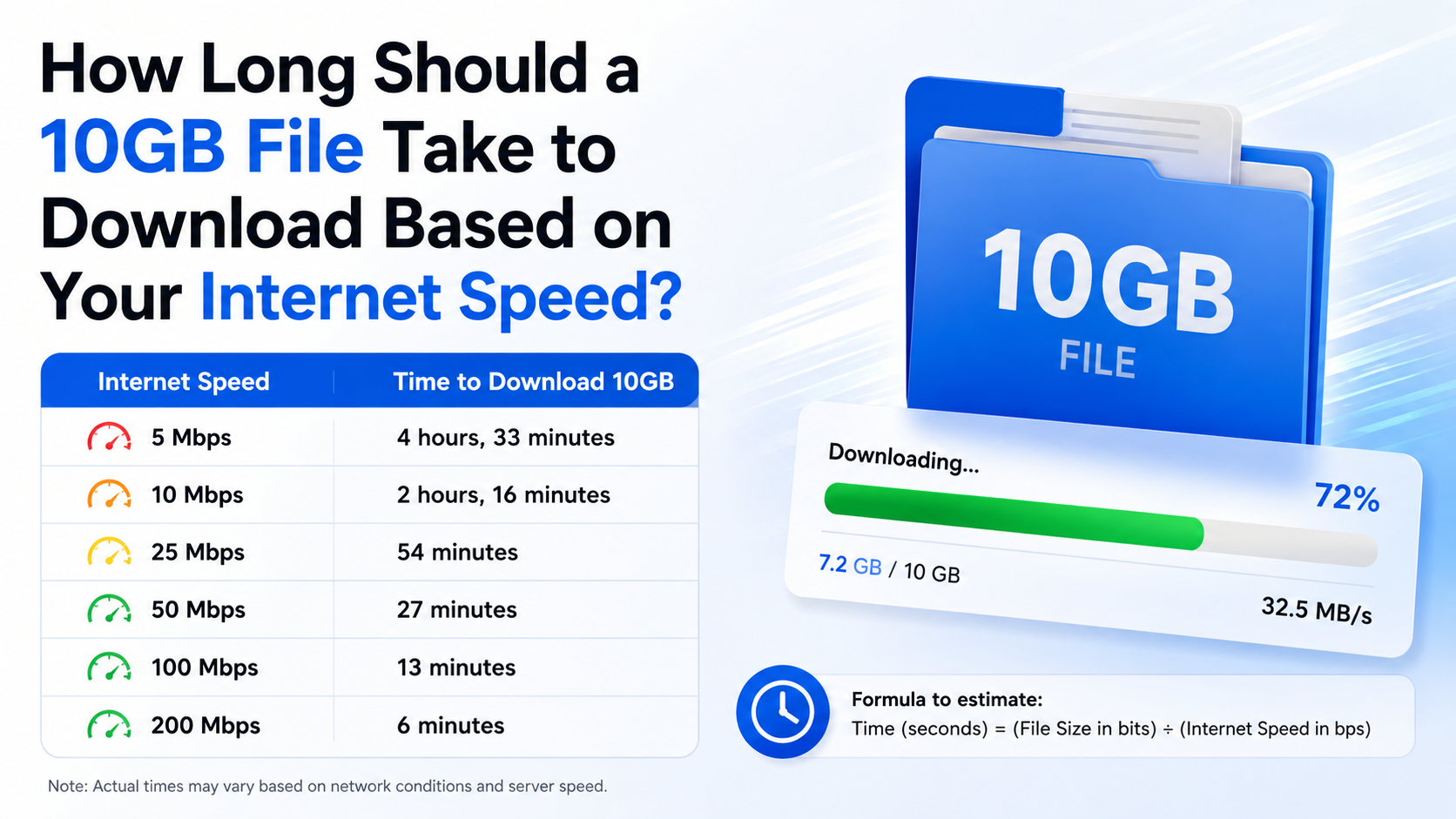
| 2Mbps | 66 minutes 40 seconds | 74–83 minutes |
| 5Mbps | 26 minutes 40 seconds | 30–33 minutes |
| 10Mbps | 13 minutes 20 seconds | 15–17 minutes |
| 20Mbps | 6 minutes 40 seconds | 7–8 minutes |
| 25Mbps | 5 minutes 20 seconds | 6–7 minutes |
| 50Mbps | 2 minutes 40 seconds | 3–4 minutes |
| 100Mbps | 1 minute 20 seconds | 1.5–2 minutes |
| 200Mbps | 40 seconds | 45–50 seconds |
| 500Mbps | 16 seconds | 18–20 seconds |
| 1Gbps (1,000Mbps) | 8 seconds | 9–12 seconds |
\*Realistic estimates assume the download achieves roughly 75–90% of the advertised speed. A slow server, weak Wi-Fi or busy network can make it take longer.
For comparison, a 1GB file at 10Mbps takes 13 minutes and 20 seconds under ideal conditions, a commonly cited result in download-time calculators. Confused.com’s download-time guide
How to Calculate the Download Time Yourself
Use this simple formula:
Download time in seconds = file size in megabits ÷ download speed in Mbps
For a decimal 1GB file:
- Convert gigabytes to megabytes:
1GB × 1,000 = 1,000MB
- Convert megabytes to megabits:
1,000MB × 8 = 8,000 megabits
- Divide by your speed:
8,000 ÷ your Mbps
Examples

- 25Mbps: 8,000 ÷ 25 = 320 seconds, or 5 minutes 20 seconds
- 50Mbps: 8,000 ÷ 50 = 160 seconds, or 2 minutes 40 seconds
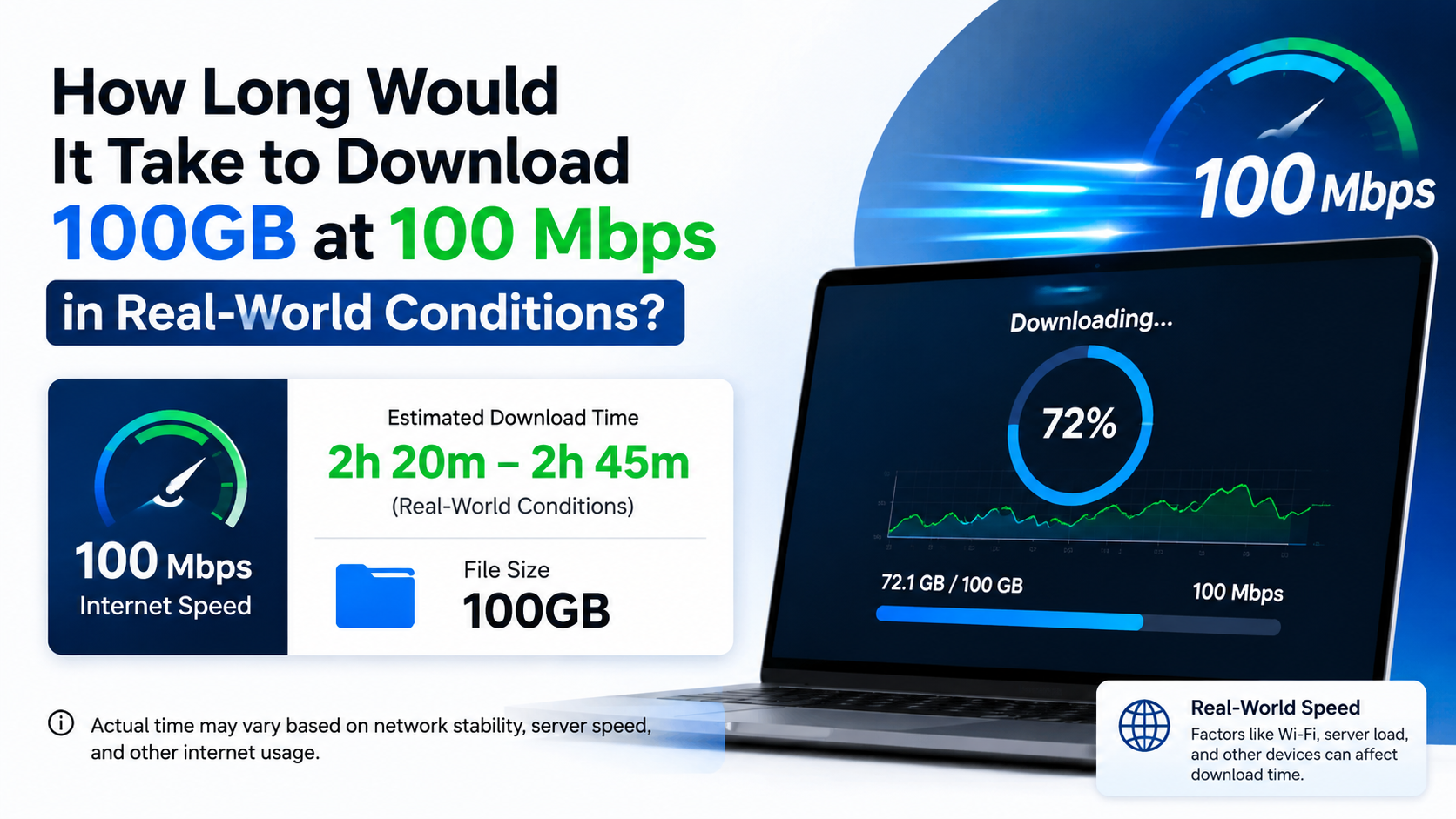
- 100Mbps: 8,000 ÷ 100 = 80 seconds, or 1 minute 20 seconds
- 300Mbps: 8,000 ÷ 300 = 26.7 seconds
- 1Gbps: 8,000 ÷ 1,000 = 8 seconds
This is an ideal calculation. It assumes your connection remains at the stated speed for the entire download and that the server can send data just as quickly.
Mbps and MB/s: Why the Numbers Look Different
The most common reason a download appears slower than your internet plan is confusion between Mbps and MB/s.
- Mbps means megabits per second. This is the unit most internet providers advertise.
- MB/s means megabytes per second. This is the unit often displayed by browsers, game launchers and download managers.
- 1 byte = 8 bits, so you divide Mbps by eight to estimate MB/s.
| Advertised speed | Approximate maximum download rate |
|---|---|
| 10Mbps | 1.25MB/s |
| 25Mbps | 3.125MB/s |
| 50Mbps | 6.25MB/s |
| 100Mbps | 12.5MB/s |
| 200Mbps | 25MB/s |
| 500Mbps | 62.5MB/s |
| 1Gbps | 125MB/s |
For example, a 100Mbps plan may show around 12.5MB/s in a download window. At that rate, transferring 1,000MB takes about 80 seconds before overhead and speed fluctuations.
Some operating systems display a binary file size. In that case, 1GiB equals 1,024MiB, or 8,589.9 megabits, making the theoretical time slightly longer. The difference is small for everyday estimates, but it explains why a file labelled “1GB” may not show exactly 1,000MB.
What Download Time Should You Expect in India?
Your plan’s advertised speed is a useful ceiling, not a guarantee for every download. Indian users may connect through fibre broadband, cable broadband, fixed wireless access, 4G or 5G mobile data. Performance can differ substantially between cities, buildings and mobile towers.
For context, DataReportal’s January 2025 figures reported a median fixed download speed of 63.55Mbps and a median mobile download speed of 100.78Mbps in India. These are national medians, not a promise of the speed available at your home. See the India speed data
At around 63Mbps, the ideal time for 1GB is roughly 2 minutes 7 seconds. At 100Mbps, it is 1 minute 20 seconds. In practice, a download may take several minutes because of Wi-Fi loss, server limits or other users sharing the connection.
Your actual result may be slower when:
- You are far from the Wi-Fi router.
- The router is using congested 2.4GHz Wi-Fi.
- Several phones, TVs or computers are streaming simultaneously.
- The website limits each user’s download rate.
- The file is hosted on an overloaded or distant server.
- Your mobile signal is weak or the cell tower is busy.
- A VPN, antivirus scan or browser extension adds processing overhead.
- Your ISP is experiencing temporary congestion or maintenance.
How to Check Your Real Download Speed
To estimate accurately, measure the speed available on the same device and network you will use for the download.
- Pause cloud backups, video streaming and other large transfers.
- Connect to the nearest 5GHz Wi-Fi network, or use Ethernet on a computer.
- Run a reputable speed test and record the download result in Mbps.
- Repeat the test at different times if your speed changes during the day.
- Use the measured speed in the formula: 8,000 ÷ Mbps.
A speed test measures the route to its own testing server. A particular app or website may still be slower because its server, route or account limits the transfer.
If your browser reports the rate in MB/s, multiply that number by eight before using the formula. For example, 7MB/s is approximately 56Mbps, so a 1GB file would take about 143 seconds—or 2 minutes 23 seconds—under steady conditions.
How to Make a 1GB Download Finish Faster
You cannot exceed the capacity of your internet connection and the file server combined, but these steps often improve performance:
- Use Ethernet when possible. A wired connection avoids many wireless interference problems.
- Move closer to the router. Keep fewer walls and large appliances between your device and the access point.
- Choose 5GHz or 6GHz Wi-Fi. These bands can be faster at short range, while 2.4GHz usually travels farther.
- Stop competing traffic. Pause streaming, cloud synchronisation, updates and other downloads.
- Try the provider’s official mirror or download manager. Some services offer multiple regional servers or resume support.
- Download outside peak periods. Evening congestion can affect both mobile and fixed connections.
- Keep sufficient storage space available. Some installers need extra temporary space beyond the displayed file size.
- Avoid untrusted “boosters.” Unknown browser extensions and download apps can introduce malware or unwanted software.
For apps, games and software, use the developer’s official website or the authorised Google Play Store, Apple App Store, Microsoft Store or other recognised platform. Third-party mirrors may provide modified files, outdated versions or bundled malware.
Why a 1GB Download Can Take Much Longer Than the Estimate
The formula describes transfer time, not the complete download experience. A download may begin slowly while the connection is established, accelerate later, then slow again as the server changes routes or reaches capacity.
Large files can also be compressed, split into parts or verified after transfer. Game launchers may download patches and then spend additional time unpacking or installing them. A “1GB update” may therefore take longer overall than the time shown for moving 1GB of data.
If the download is dramatically slower than expected, compare the displayed rate with a speed test:
- If both are slow, investigate Wi-Fi, mobile signal, router settings or ISP service.
- If the speed test is normal but one website is slow, the server or route is likely limiting performance.
- If the rate repeatedly falls to zero, restart the download, try another browser or network, and check whether security software is scanning the file.
Contact your ISP if measured speeds remain far below your subscribed plan over multiple tests, especially on a wired connection and at different times.
Frequently Asked Questions
How long should it take to download 1GB at 100Mbps?
The theoretical time is 1 minute 20 seconds. Allow roughly 1.5 to 2 minutes under normal conditions, depending on Wi-Fi, server performance and network traffic.
How long does 1GB take at 50Mbps?
At 50Mbps, the ideal calculation is 2 minutes 40 seconds. A practical result is usually around 3 to 4 minutes.
Is 1GB the same as 1Gb?
No. GB means gigabyte, a file-size unit. Gb means gigabit, which is eight times smaller than a gigabyte. Internet plans are normally stated in Gbps or Mbps, using bits.
Why does my 100Mbps plan download at 10MB/s?
A 100Mbps connection has a theoretical maximum of 12.5MB/s. Protocol overhead, Wi-Fi conditions, congestion and server limits can reduce the displayed rate to around 10–12MB/s.
Does 5G always download 1GB faster than broadband?
No. 5G can be very fast, but performance depends on signal strength, tower congestion, data-plan limits and backhaul capacity. A stable fibre connection may be faster and more consistent.
Will a download continue if I lock my phone?
It depends on the app, operating-system settings and battery restrictions. Some Android and iPhone apps pause background transfers. Keep the official app open or allow background activity if the download stops.
How much mobile data does downloading 1GB use?
A 1GB file generally consumes about 1GB of mobile data, plus a small amount of overhead. Check whether your plan has a daily data limit or fair-use policy before starting a large download.
What is a good internet speed for large game downloads?
For occasional large downloads, 50–100Mbps provides a reasonable balance for many households. If several people stream or download simultaneously, a faster plan and wired or well-positioned Wi-Fi can reduce waiting time.